
Every business eventually replaces its laptops, servers, and storage drives. The old equipment gets sold, donated, recycled, or left in a storage room. What often...
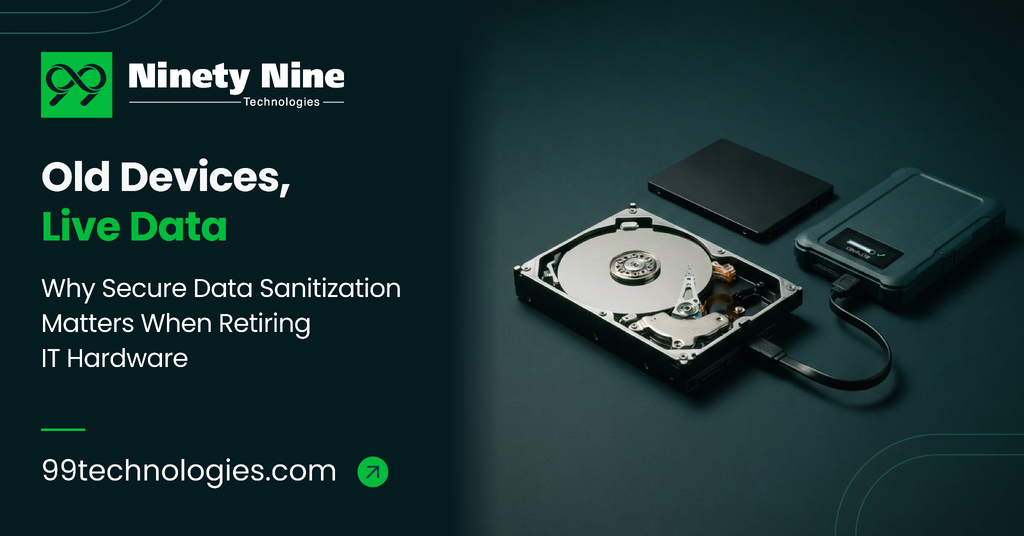
Every business eventually replaces its laptops, servers, and storage drives. The old equipment gets sold, donated, recycled, or left in a storage room. What often goes with it is something far more valuable than the hardware: customer records, financial files, passwords, and internal emails.
Many organisations assume that deleting files or resetting a device is enough. It isn’t. Secure data sanitization is what makes sure retired hardware doesn’t become your next data breach.
Why Deleting or Formatting Isn’t Enough
When you delete a file, the operating system usually just marks that space as available. The data itself stays on the drive until something overwrites it. Even a quick format often leaves information recoverable with widely available tools.
Modern storage adds another layer of difficulty. Solid-state drives (SSDs) spread data across memory cells and keep hidden reserve areas that standard deletion never touches.
The Real Risks of Getting It Wrong
- Data breaches: A resold or recycled device can expose sensitive customer and employee information.
- Regulatory trouble: Privacy laws such as GDPR and HIPAA expect organisations to protect personal data through its entire lifecycle, including disposal.
- Reputational damage: Customers lose trust quickly when they learn their data left the building on an old laptop.
- Intellectual property loss: Product plans, source code, and contracts can end up in the wrong hands.
Common Data Sanitization Methods
Software-Based Erasure
Specialised software overwrites or cryptographically erases data so it can’t be recovered, while keeping the device usable. This is ideal when hardware will be resold, redeployed, or donated, since it preserves the asset’s value.
Degaussing
A strong magnetic field disrupts the data on traditional magnetic drives and tapes. It’s effective for those media but doesn’t work on SSDs, and it typically leaves the drive unusable.
Physical Destruction
Shredding, crushing, or disintegrating drives guarantees the data is gone. The trade-off is that the hardware can’t be reused or resold, and it creates more electronic waste.
Why Certified, Verifiable Erasure Matters
Wiping a drive is only half the job. You also need proof that it was done properly. Recognised guidelines such as NIST SP 800-88 set out how media should be sanitised, and independent certifications like ADISA test whether erasure products actually deliver.
Certified tools also generate tamper-proof reports for each device. Those records are what auditors, regulators, and clients will ask for if questions ever arise.
A Simple Checklist for Retiring IT Hardware
- Keep an asset inventory. Know every device that stores data, including laptops, servers, phones, printers, and external drives.
- Set a clear disposal policy. Decide which devices get wiped and reused, and which get destroyed.
- Choose a certified erasure tool. Look for products tested against recognised standards and independent certifications.
- Sanitize before devices leave your control. Don’t hand over unwiped hardware to recyclers or resellers and hope for the best.
- Verify and document. Keep an erasure report for each device as proof of compliance.
- Vet your disposal partners. Make sure any IT asset disposition (ITAD) provider follows secure, auditable processes.
Key Takeaways
- Deleting files or resetting a device doesn’t remove the data.
- SSDs need sanitization methods designed specifically for them.
- Software-based erasure protects data while preserving hardware value.
- Certification and per-device reports are essential for compliance.
Conclusion
Retiring old hardware is routine, but the data on it is anything but. A clear policy, certified erasure tools, and proper documentation turn a hidden risk into a controlled, auditable process.
For organisations looking for a reliable option, 99 Technologies offers Clear, a data sanitization platform built for IT asset disposition and enterprise hardware retirement, with ADISA Product Assurance certification.
Frequently Asked Questions
Is a factory reset enough to protect my data?
Not always. A reset may leave recoverable data behind, especially on certain drives. Certified erasure software is the safer choice.
Can wiped devices be reused or resold?
Yes. Software-based erasure removes the data while leaving the device fully functional, so it can be redeployed, donated, or resold.
Do small businesses need certified data sanitization?
Yes. Any business that handles customer, financial, or employee data has the same responsibility to protect it, regardless of size.