
Choosing an image creation tool can feel overwhelming when every platform promises impressive results. Some creators want artwork for personal projects, others need visuals for...
Choosing an image creation tool can feel overwhelming when every platform promises impressive results. Some creators want artwork for personal projects, others need visuals for websites, and businesses may require images that fit a particular campaign or brand identity. Although these needs overlap, the most suitable tool depends on how the images will be created, refined, and used.
The challenge is not simply producing a picture from a written description. A useful image should communicate the intended idea, fit the audience, and work within the design where it will appear. An image that looks excellent on its own might not be appropriate for a product advertisement, a blog illustration, or a presentation. Understanding these differences makes the selection process more practical.
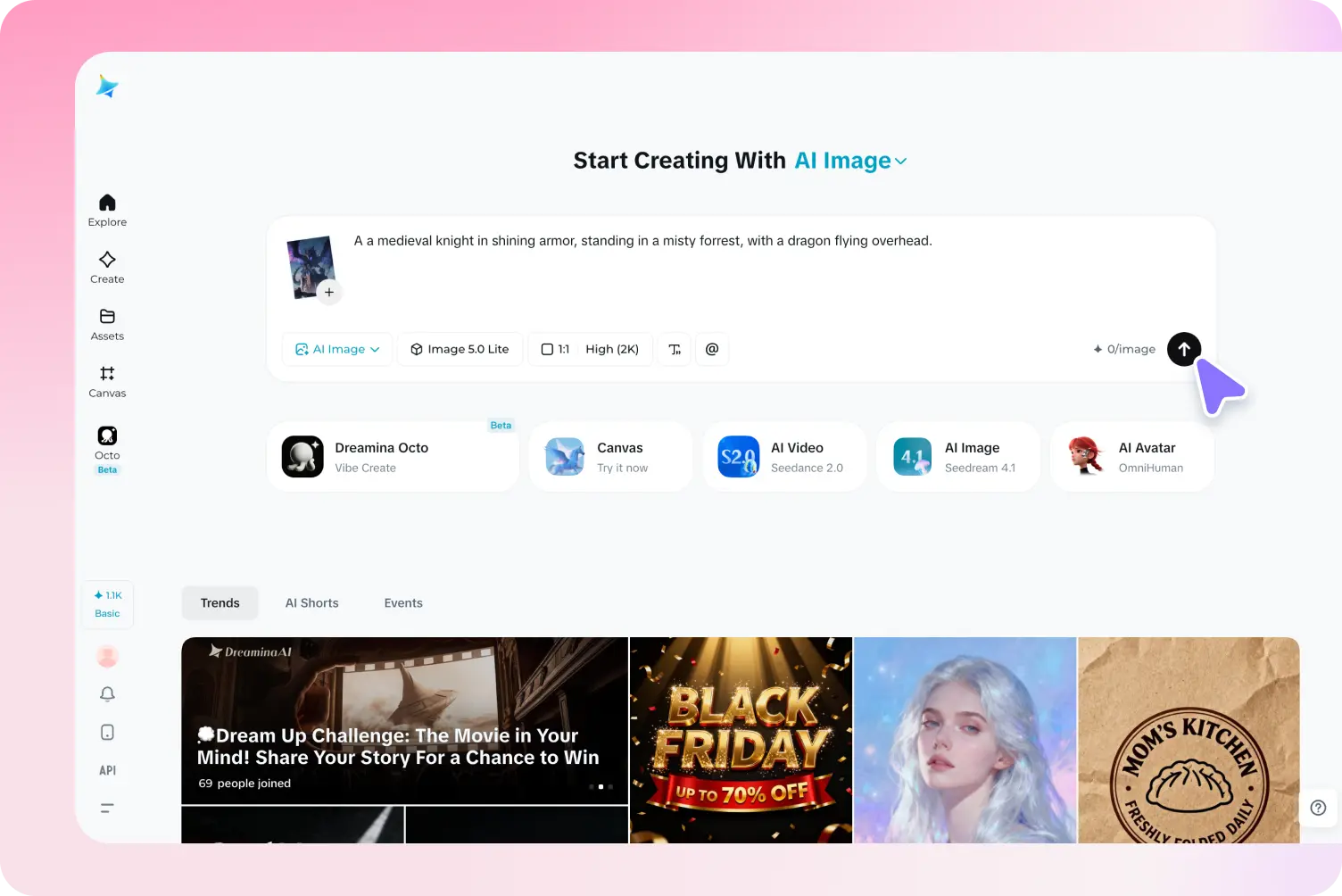
Finding the best ai image generator therefore starts with understanding the creative task rather than relying on popularity alone. AI-powered platforms can help users explore concepts that might otherwise require illustration skills, photography, or extensive design work. Dreamina is one option worth exploring, particularly for people who want to turn written ideas into visual concepts and assess the results before deciding how to use them.
Define What You Want to Create
Before comparing platforms, identify the type of images you need most often. A creator producing fantasy illustrations may prioritize imaginative styles, while an online retailer may care more about believable materials, accurate product details, and clean backgrounds. Someone preparing educational content might need visuals that make unfamiliar subjects easier to understand.
Writing down the intended purpose creates a useful starting point. Consider the audience, the main message, the image dimensions, and the level of realism required. These factors help narrow the options and prevent unnecessary experimentation with styles that do not support the project.
For example, a fitness coach preparing a website banner might need an energetic scene with a clear focal point and space for a headline. A travel blogger, by contrast, might want an atmospheric landscape that communicates the feeling of visiting a destination. Both projects require images, but their visual priorities are different.
A clear brief also helps evaluate the final output. Instead of asking whether an image looks attractive, ask whether it communicates the intended message and works in its planned location.
What Separates a Useful Image Generator From an Impressive Demo?
An impressive sample image can attract attention, but one example does not reveal how well a tool performs across different projects. A more reliable evaluation considers several aspects of the experience.
Understanding Written Instructions
The generated image should reflect the most important parts of the prompt. If the description specifies a glass bottle on a pale stone surface with sunlight coming from the right, those details should guide the result.
Complex scenes can be harder to control, and no platform guarantees perfect interpretation. Still, clear correspondence between instructions and output makes a generator more practical for work with specific requirements.
Handling Fine Details
Textures, shadows, proportions, edges, and reflections contribute to the overall quality of an image. These elements become especially important when the result represents an object that viewers may recognize or purchase.
Creators should inspect images at their intended display size rather than relying entirely on a small preview. Minor inconsistencies can become obvious when the image is enlarged or placed beside real product photography.
Supporting Different Creative Directions
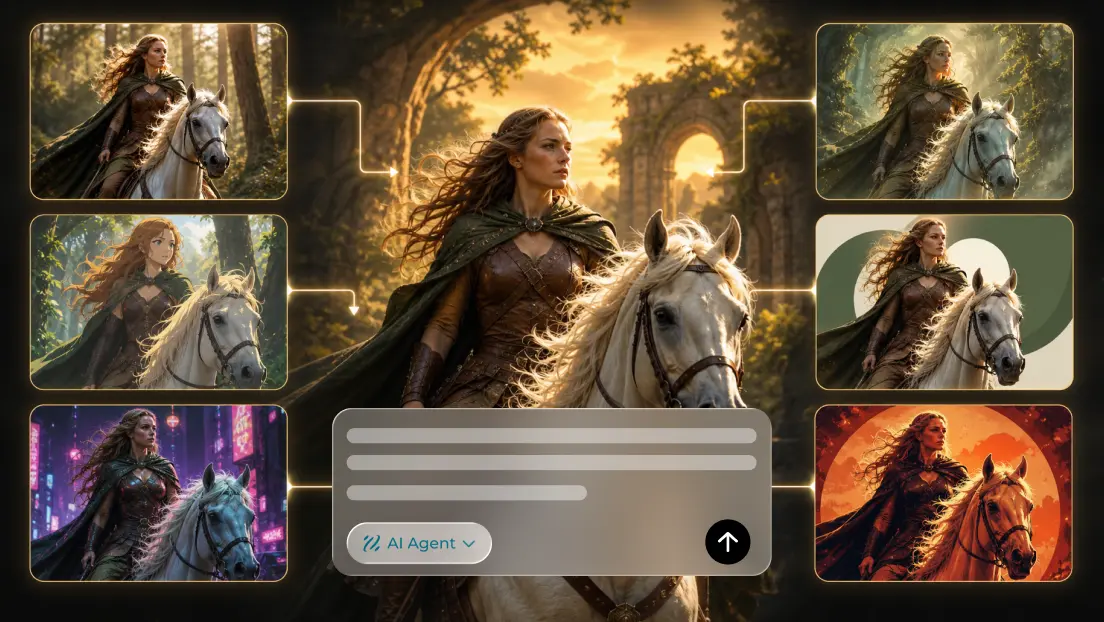
A flexible workflow should allow creators to explore suitable variations. A single project may require a realistic scene, an illustrated alternative, or a more experimental composition.
The ability to revise prompts and investigate different approaches can be just as important as the first result. Creative work often involves discovering the right direction through comparison rather than knowing every detail in advance.
Fitting the Intended Workflow
Practical considerations matter too. Account requirements, available generation credits, export formats, processing time, and editing options influence how easily a tool fits into regular work.
For occasional experimentation, a straightforward interface may be sufficient. For ongoing professional projects, creators may need more predictable access, suitable output quality, and a workflow that supports repeated revisions.
Understanding the Value of Free Image Creation
The phrase best free ai image generator can refer to different experiences depending on the user’s needs. One person may want to experiment with prompts without paying, while another may need a tool that supports regular content production within a limited budget.
Free access can be valuable for testing creative ideas, learning prompt writing, and comparing visual styles. It allows beginners to understand how AI-generated images respond to changes in wording before investing in a larger workflow.
However, free availability does not automatically mean unlimited generations or unrestricted commercial use. Platforms may apply usage limits, account requirements, feature restrictions, watermarks, or different download conditions. These details can change, so the current terms should be checked directly before relying on a tool for a business project.
It is also worth evaluating the complete effort required to produce a usable image. A tool that generates an interesting concept quickly may still require considerable editing. The most practical option is one that provides useful results while keeping the overall process manageable.
Writing Prompts That Give the Image a Purpose
A prompt is most effective when it communicates a clear visual objective. Rather than listing random adjectives, describe the subject, setting, composition, lighting, and mood in a way that supports the intended result.
Imagine creating an image for a boutique tea brand. A basic prompt might request a cup of tea on a table. A more purposeful version could describe a ceramic teacup beside loose tea leaves, a linen cloth, and a small wooden tray, with soft morning light and a calm, natural atmosphere.
The second description gives the generator a more specific scene to interpret. It also provides clear elements to evaluate when reviewing the result.
Prompt writing improves through experimentation. If the background is distracting, simplify the setting. If the main object lacks prominence, describe its placement and framing. If the image feels too dramatic, adjust the lighting and mood. Making focused revisions helps identify which instructions influence the result.
It is unnecessary to describe every tiny detail from the beginning. Start with the elements that matter most, review the output, and add relevant information as the concept becomes clearer.
Using Image Variations to Make Better Creative Decisions
Generating several versions of an idea can reveal possibilities that a single image cannot. Different compositions may emphasize different features, while changes in lighting or color can alter the mood of the same subject.
Consider a business preparing promotional material for a new desk lamp. One concept could place the lamp in a minimalist office, another could show it in a cozy reading corner, and a third could emphasize its shape against a plain background. Comparing these options helps determine which setting best supports the intended audience and message.
The comparison becomes more useful when changes are controlled. If the subject, background, lighting, and style all change at once, it may be difficult to understand why one result is more effective than another.
A simple evaluation process can help:
- Select the main objective for the image.
- Generate a few distinct visual approaches.
- Compare their composition, clarity, and suitability.
- Identify the strongest concept.
- Refine that concept before preparing the final design.
This approach reduces random experimentation and turns image generation into a more deliberate creative activity.
Choosing Images for Different Projects
Website Design
Website images should complement the layout rather than compete with it. A hero section may require a wide composition with empty space for a heading, while a smaller feature graphic may benefit from a centered subject.
Before generating an image, consider its final dimensions and placement. This can reduce cropping problems and help ensure that the most important visual elements remain visible on different screen sizes.
Marketing and Advertising
Marketing visuals need to attract attention while supporting the message of the campaign. A product-focused composition may be appropriate when the product itself is the main selling point, whereas a lifestyle scene can communicate how an item fits into everyday use.
Generated concepts should be checked carefully when they represent real products. Changes to packaging, dimensions, colors, or functional details can create misleading impressions if the image is presented as an accurate product photograph.
Blogging and Publishing
Publishers can use AI-generated images to develop illustrations for tutorials, guides, opinion pieces, and educational articles. A relevant visual can establish context and make a topic more approachable.
The image should add meaning rather than serve as decoration alone. An article about home organization, for example, could use a carefully arranged storage space to illustrate its subject more clearly than a generic abstract background.
Personal Art and Creative Exploration
AI image creation can also support personal projects that have no immediate commercial purpose. Users can experiment with imagined landscapes, unusual architectural concepts, fictional environments, or combinations of styles.
This freedom can be especially useful when exploring an idea that would be difficult to draw or photograph directly. The first result does not need to be perfect; it can provide a starting point for further experimentation.
Why Editing Still Matters
Generated images frequently benefit from additional refinement. Even when the overall concept is strong, there may be unwanted objects, inconsistent textures, awkward proportions, or distracting background details.
Editing allows creators to correct these weaknesses and adapt the image to its intended use. Cropping can improve the focal point, color adjustments can bring the image closer to a brand palette, and additional design elements can establish a clearer hierarchy.
Text is often best added separately through a design editor. This gives users more control over spelling, font selection, spacing, and readability. It also makes the image easier to adapt for different platforms without generating a new version each time.
Before publication, inspect the image carefully at full size. Check reflections, edges, object shapes, and any details that could mislead viewers. The final review should focus on both appearance and accuracy.
Evaluating Commercial Use and Responsible Creation
Creators planning to use AI-generated images for professional projects should review the platform’s current licensing terms. The conditions governing personal projects may differ from those applying to advertising, client work, or other commercial uses.
Privacy and consent also deserve attention. Images involving identifiable people should be created and published responsibly, and generated scenes should not be presented as authentic evidence of events that never occurred.
Businesses should be particularly careful when visuals communicate claims about a real product or service. An image should not suggest features, performance, or results that the business cannot substantiate.
These checks do not remove the creative benefits of AI generation. They help ensure that the final image is suitable for its audience and that its use does not undermine trust.
Conclusion
Choosing an image generator becomes easier when the decision is based on real creative requirements. Prompt accuracy, visual quality, flexibility, editing options, access conditions, and licensing terms all influence whether a platform will be useful beyond an initial experiment.
Dreamina is one option creators can explore when turning written descriptions into visual concepts. Testing it with a small project can help users understand whether its current capabilities and access conditions suit their needs.
Ultimately, a strong image is not defined only by how impressive it looks. It should communicate the intended message, fit the surrounding design, and meet the expectations of its audience. By combining thoughtful prompts, controlled experimentation, and careful editing, creators can make AI-assisted image generation a useful part of their everyday creative process.
Frequently Asked Questions
1. How do I choose the best AI image generator for my needs?
Start by identifying your main use case, then compare prompt accuracy, visual quality, available styles, editing options, export formats, and licensing conditions. Testing a real project is more useful than relying on promotional examples alone.
2. Is a free AI image generator suitable for beginners?
Yes. Free access can provide an opportunity to learn prompt writing and explore different visual approaches. Users should check generation limits and available features before planning a larger project.
3. Can AI image generators produce realistic images?
They can create visuals with convincing lighting, textures, and compositions, but results vary. Images should be inspected for inconsistent details, especially when they represent real products or people.
4. Does Dreamina support AI-assisted image creation?
Dreamina provides an AI image creation option that users can explore through its official platform. Check its current features, access requirements, and usage conditions to determine whether it fits your project.
5. Can generated images be used for commercial projects?
Potentially, depending on the platform’s current terms and the intended use. Confirm commercial permissions and review the image for inaccuracies before publishing it in advertising or client work.
6. How can I improve an image after generation?
You can refine the prompt, explore alternative outputs, crop the composition, adjust colors, and add typography using a design editor. A final review helps catch visual inconsistencies and ensure that the image fits its intended purpose.