
A client campaign does not always need another filmed presenter. Sometimes the message is short, the approved portrait already exists, and the team needs a...
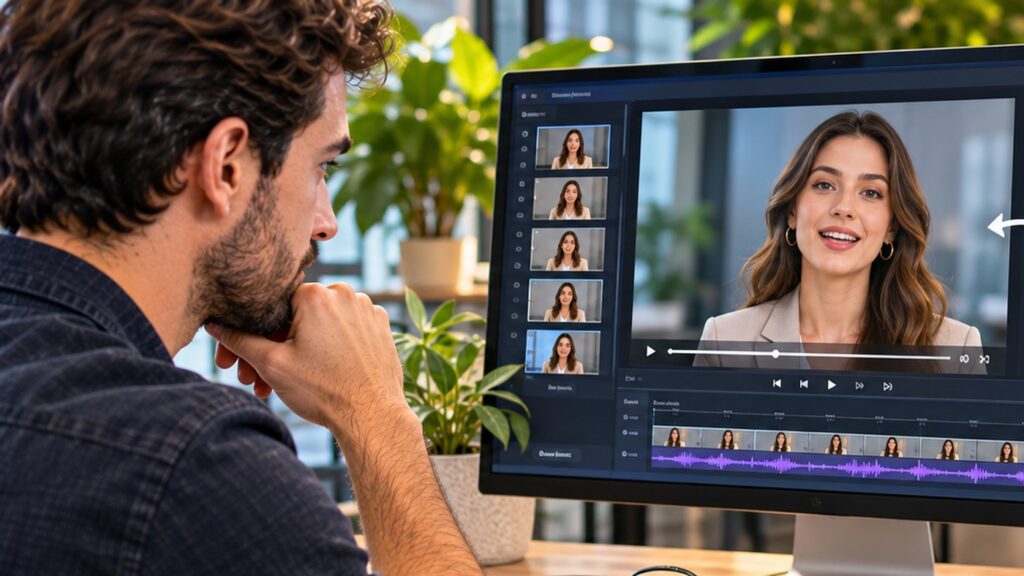
A client campaign does not always need another filmed presenter. Sometimes the message is short, the approved portrait already exists, and the team needs a clear way to introduce an offer, explain a change, or answer a recurring question. A talking-photo video can be useful in that narrow space: it animates a still portrait and pairs it with speech generated from text or supplied as audio. AvatarCraft AI is one example of a tool that supports that portrait-to-speech workflow.
I would treat this format as a production option, not as a shortcut that automatically makes a campaign more persuasive. The real planning question is whether a speaking portrait suits the message, audience, and channel—and whether the team has budgeted for the script, review, editing, rights, and versions around it.
Start with the job the video must do
A talking portrait works best when a single person or character needs to deliver one focused message. That could be a short welcome, a product explanation, a campaign reminder, or a service update. It can also help when the source is an illustrated character or brand mascot rather than a human presenter.
The format is less suitable when the story depends on several people reacting to one another, physical demonstrations, or a location that viewers need to see. A photo animation cannot show how a product works from multiple angles or replace a real customer interview. In those cases, it may still serve as an opening or closing segment, but the rest of the video should carry the evidence.
I define the intended action before asking for a quote. Should viewers book a consultation, understand a policy, visit a product page, or remember a launch date? That choice affects the script length, the call to action, and how many versions the campaign actually needs.
Scope the deliverables before estimating cost
The word “video” hides several separate tasks. If I were preparing a client estimate, I would list the work in plain language and assign each item a quantity.
| Work area | Questions to settle |
| Brief and script | How many messages are needed, who approves the claims, and how many script revisions are included? |
| Portrait and audio | Who supplies the portrait, and will the team use text-to-speech, a recorded voice, or approved uploaded audio? |
| Generation | How many clips, speakers, languages, and duration ranges are in scope? |
| Editing | Are captions, music, transitions, branding, or footage inserts included? |
| Versions | Which aspect ratios, cutdowns, and channel-specific endings must be delivered? |
| Review and rights | Who signs off on likeness, voice, claims, and usage permissions? |
This list makes a quote easier to compare. One vendor may price only clip generation, while another includes scriptwriting, captions, and final exports. Those are different scopes even if both proposals use the same phrase, “one campaign video.”
I also set a revision boundary. A practical scope might include one script revision and one review round for the generated clip, with new messages or new portrait selections treated as additional work. Without that distinction, feedback such as “make it warmer” can turn into a new voice, a rewritten script, and several regeneration attempts without anyone agreeing that the scope changed.
Build a budget from labor and production variables
A useful estimate separates fixed preparation from work that grows with each version. A simple model is:
Estimated project cost = preparation + script and asset work + clip production + editing and exports + rights review + contingency
Preparation includes briefing and approvals. Script and asset work covers writing, fact-checking, portrait cleanup, and audio preparation. Clip production may depend on duration, number of messages, and the tool or service plan. Editing and exports grow when the campaign needs captions, multiple aspect ratios, or separate calls to action. Rights review is part of the project, not an optional afterthought.
For a first pilot, I would keep the variables small: one approved portrait, one short script, one language, one primary format, and a defined number of review rounds. If the campaign performs well, a second phase can add localized scripts or channel-specific edits. This approach avoids paying to generate a large set of versions before the team knows which message is worth scaling.
A planning example might be a campaign with one 20-second announcement and a shorter reminder cut. The estimate should count two script lengths, two generated clips, captioning, and the final aspect ratios separately. If the client asks for a second language, I would add translation review, pronunciation checks, and another approval pass—not just a line for “extra export.”
Keep scripts short enough to sound natural
The script is one of the highest-leverage parts of the job. A page of polished copy can sound crowded when spoken. I read the draft aloud and remove throat-clearing phrases, long lists, and sentences that depend on visual formatting to make sense.
As a rough planning guide, 15 seconds of speech often allows around 30 to 40 words, while 30 seconds may allow around 65 to 75 at a measured pace. Those are starting estimates, not hard limits. A technical topic, unfamiliar names, or a deliberate pause can reduce the usable word count.
Each version should have one main point. If the video needs a benefit, a qualification, a price, and a call to action, I decide which detail belongs in the clip and which should appear in captions or the linked landing page. That keeps the spoken message clear and makes future edits easier.
Review the result as a campaign asset
A generated clip is not ready just because the face moves. Before delivery, I check whether the mouth movement stays plausible through the full sentence, whether names and numbers are pronounced correctly, and whether the voice matches the intended audience. I also watch without sound to check captions and with sound on a phone speaker to catch audio that is too quiet or hard to follow.
Then I check the message itself. Are the offer, dates, and conditions accurate? Is the call to action visible long enough to read? Does the clip make it clear that the speaker is delivering approved campaign copy? If an AI-created talking portrait could be mistaken for a genuine recording, the publishing team should decide whether a disclosure is needed for that context.
The review checklist should also include the source portrait and audio. The client needs permission to use the likeness and any supplied recording for the intended campaign, channels, and duration. A portrait found online is not automatically cleared for animation, and consent to use a photo does not necessarily grant permission to synthesize new speech.
Use a pilot to decide whether to scale
For a freelancer or agency, a pilot is a manageable way to learn what the format costs in practice. Track time spent on scripting, client approvals, asset preparation, generation, corrections, and exports. Compare the finished clip with the campaign goal, not only with the generation fee.
If the team spends more time correcting pronunciation or rebuilding the script than expected, update the estimate before promising a batch of videos. If one version works well, identify which parts can be reused—perhaps the approved portrait, a visual template, or a consistent closing card—while keeping each new claim and script subject to review.
The best client estimate makes the boundaries visible: what the fee covers, what counts as a revision, which assets the client must provide, and who is responsible for approvals. That clarity is useful whether the team ultimately chooses a talking portrait, a filmed presenter, or a conventional motion-graphics explainer.