
Managing a growing number of business devices has become challenging for modern organizations. Companies need better ways to secure sensitive information, control device settings, deploy...
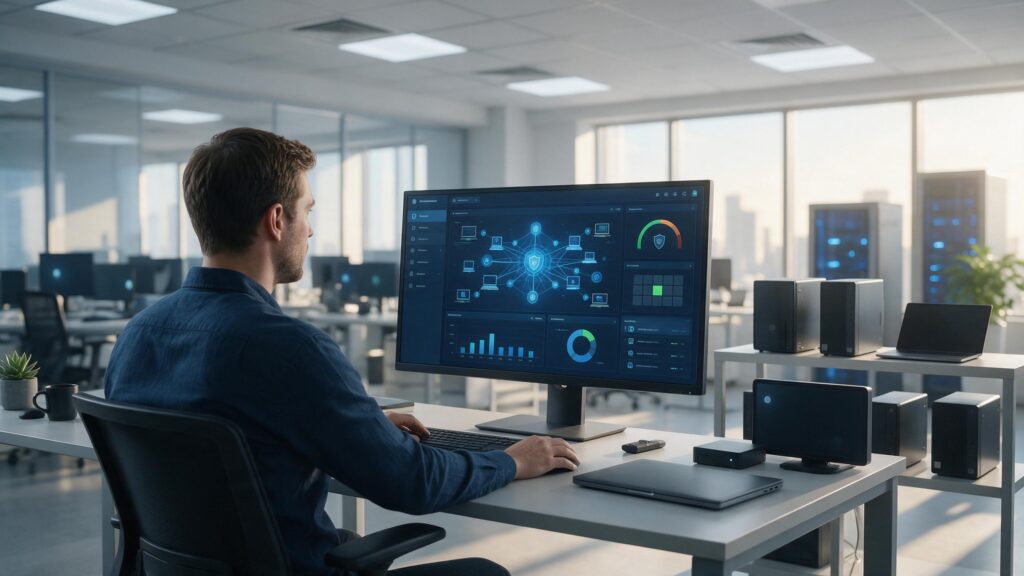
Managing a growing number of business devices has become challenging for modern organizations. Companies need better ways to secure sensitive information, control device settings, deploy applications, and support employees working from different locations. Windows MDM provides a structured approach to managing Windows devices while improving security, productivity, and IT efficiency.
As businesses continue adopting remote work, hybrid environments, and distributed teams, traditional device management methods are becoming less effective. IT teams need centralized tools that allow them to configure, monitor, and maintain Windows computers without requiring physical access to every device.
Windows MDM solutions help organizations create a secure digital workplace by allowing administrators to manage laptops, desktops, and other Windows-powered endpoints from a single platform. These solutions support tasks such as device enrollment, policy enforcement, application management, security configuration, and remote troubleshooting.
What Is Windows MDM?
Windows MDM, or Windows Mobile Device Management, is a technology that allows organizations to remotely manage and secure Windows devices. It enables IT administrators to control device settings, apply security policies, distribute applications, and monitor device activity through a centralized management system.
Although the term originally focused on mobile devices, modern MDM platforms have expanded to support laptops and desktops. Today, Windows MDM plays an important role in managing enterprise endpoints used by employees, contractors, and frontline workers.
A Windows MDM platform typically connects managed devices with a cloud-based management console. Administrators can create rules and configurations that automatically apply across enrolled devices.
This reduces manual work and helps businesses maintain consistent security standards across their entire Windows device fleet.
Why Businesses Need Windows MDM
Managing Windows devices manually can become complicated as organizations grow. IT teams may struggle with software updates, security requirements, user access management, and troubleshooting across hundreds or thousands of devices.
Windows MDM addresses these challenges by providing centralized control.
Improved Device Security
Security is one of the biggest reasons organizations adopt Windows MDM solutions. Businesses store valuable information on employee devices, making endpoint protection essential.
With Windows MDM, administrators can:
- Enforce password requirements
- Configure security policies
- Manage access permissions
- Monitor device compliance
- Protect company data
- Remotely lock or wipe devices when required
These controls help reduce security risks caused by lost devices, unauthorized access, or incorrect configurations.
Centralized Device Management
Without a centralized management system, IT teams must configure each device separately. This approach takes time and increases the possibility of errors.
Windows MDM allows administrators to manage multiple devices from one dashboard. They can update settings, install applications, and apply policies across the organization efficiently.
This centralized approach saves time and creates a more consistent device environment.
Support for Remote and Hybrid Work
Remote work has changed how companies manage technology. Employees may work from homes, offices, customer locations, or different regions.
Windows MDM allows IT teams to support remote employees by providing:
- Remote device monitoring
- Remote troubleshooting
- Configuration management
- Application deployment
- Security enforcement
Employees can stay productive while IT teams maintain visibility and control.
Key Features of Windows MDM Solutions
A reliable Windows MDM platform includes several features designed to simplify device management.
Device Enrollment and Provisioning
Device enrollment is the first step in managing Windows endpoints. MDM solutions allow organizations to quickly register devices and apply required configurations.
Automated enrollment helps businesses prepare new devices faster. Instead of manually setting up every computer, administrators can apply predefined policies during the setup process.
This is especially useful for companies managing large device deployments.
Application Management
Businesses often require specific software applications for daily operations. Installing and maintaining applications manually on every device can consume significant IT resources.
Windows MDM enables application management by allowing administrators to:
- Deploy business applications
- Remove unwanted applications
- Control software access
- Track application status
- Maintain approved software lists
This ensures employees have the tools they need while reducing unnecessary software usage.
Policy Management
Organizations need consistent rules across all managed devices. Windows MDM allows administrators to create and enforce policies based on company requirements.
Examples include:
- Screen lock settings
- Network configurations
- Security restrictions
- Browser settings
- User permissions
Policy management helps maintain compliance and reduces configuration differences between devices.
Remote Troubleshooting
Device issues can interrupt employee productivity. Traveling technicians or physical support visits may not always be practical.
Windows MDM platforms often include remote support capabilities that allow IT teams to diagnose and resolve problems without being physically present.
Remote troubleshooting can reduce downtime and improve employee experience.
Windows Updates and Patch Management
Keeping Windows devices updated is important for security and performance. However, managing updates across many devices can be difficult.
Windows MDM helps organizations schedule and manage updates more effectively.
IT teams can:
- Monitor update status
- Apply required patches
- Control update schedules
- Reduce security vulnerabilities
Regular updates help maintain healthier devices and improve overall system reliability.
Benefits of Using Windows MDM
Implementing Windows MDM provides several advantages for organizations of different sizes.
Better IT Efficiency
Automation reduces repetitive administrative tasks. Instead of manually configuring each device, IT teams can create standard policies and apply them across multiple endpoints.
This allows IT professionals to focus on more strategic activities.
Stronger Data Protection
Corporate data protection is a major concern for businesses. Windows MDM helps secure information by controlling device access and enforcing security rules.
If a device is lost or compromised, administrators can take action quickly to protect company resources.
Reduced Operational Costs
Manual device management requires more time and resources. Automated management reduces the workload on IT teams and minimizes unnecessary support activities.
Organizations can manage larger device fleets without increasing administrative complexity.
Improved Employee Productivity
Employees depend on reliable devices to complete their work. Windows MDM helps ensure devices remain configured correctly, updated, and ready for use.
Faster troubleshooting and easier application access create a smoother work experience.
Windows MDM for Different Business Environments
Different industries have unique device management requirements. Windows MDM can support various business scenarios.
Corporate Offices
Office environments often use Windows laptops and desktops for daily operations. MDM helps maintain security standards while allowing employees to access necessary tools.
Education
Schools and training organizations can use Windows MDM to manage shared computers, control applications, and maintain safe learning environments.
Healthcare
Healthcare organizations handle sensitive information and require strict security controls. Windows MDM helps manage devices while supporting compliance needs.
Retail and Frontline Operations
Retail stores and field teams often use dedicated Windows devices for specific tasks. MDM helps maintain consistent configurations and reduces device-related interruptions.
How to Choose the Right Windows MDM Solution
Selecting the right Windows MDM platform requires understanding business requirements.
Organizations should consider:
Device Compatibility
Ensure the solution supports the Windows versions and device types used within the organization.
Security Features
Look for features that support access control, encryption management, compliance monitoring, and remote security actions.
Ease of Use
A user-friendly dashboard helps IT teams manage devices efficiently without unnecessary complexity.
Scalability
The solution should support future growth as the number of managed devices increases.
Integration Options
Businesses should evaluate whether the MDM solution works well with existing IT systems and workflows.
Best Practices for Windows MDM Implementation
A successful Windows MDM deployment requires proper planning.
Define Management Policies
Before enrolling devices, organizations should establish clear policies for security, applications, and user access.
Start With a Pilot Program
Testing MDM with a smaller group of devices helps identify issues before full deployment.
Train IT Teams
Administrators should understand available features and management options to get the most value from the platform.
Review Policies Regularly
Technology needs change over time. Organizations should regularly update device management policies to match current requirements.
Future of Windows Device Management
The future of Windows device management will continue moving toward automation, cloud-based control, and stronger security practices.
As businesses rely more on remote work and digital operations, centralized device management will become increasingly important. Windows MDM solutions will continue helping organizations maintain secure, productive, and manageable device environments.
Automation, analytics, and improved security controls will shape how companies manage Windows endpoints in the coming years.
Conclusion
Windows MDM has become an essential solution for organizations that need better control over their Windows devices. It helps IT teams manage devices remotely, improve security, deploy applications, and maintain consistent configurations across different environments.
By adopting the right Windows MDM strategy, businesses can simplify device management while creating a safer and more productive workplace. Whether managing a small team or a large enterprise environment, Windows MDM provides the tools needed to handle modern device management challenges effectively.
Frequently Asked Questions (FAQs)
What is Windows MDM?
Windows MDM is a device management solution that allows organizations to remotely manage, secure, and monitor Windows computers through a centralized platform.
Why is Windows MDM important for businesses?
Windows MDM helps businesses improve security, automate device management, reduce IT workload, and maintain control over company devices.
Can Windows MDM manage laptops and desktops?
Yes, Windows MDM solutions can manage Windows laptops, desktops, and other supported endpoints used in business environments.
What features should a Windows MDM solution have?
Important features include device enrollment, application management, security policies, remote troubleshooting, compliance monitoring, and update management.
Does Windows MDM support remote employees?
Yes, Windows MDM is useful for remote and hybrid teams because IT administrators can manage devices without needing physical access.
How does Windows MDM improve security?
Windows MDM improves security by enforcing policies, controlling access, monitoring compliance, and allowing remote actions on managed devices.
Is Windows MDM suitable for small businesses?
Yes, Windows MDM can help small businesses simplify device management, improve security, and reduce manual IT tasks.