
Marketing can be expensive for a small business. Brochures, flyers, product catalogs, and other materials all take time and money to make. Printing costs can...
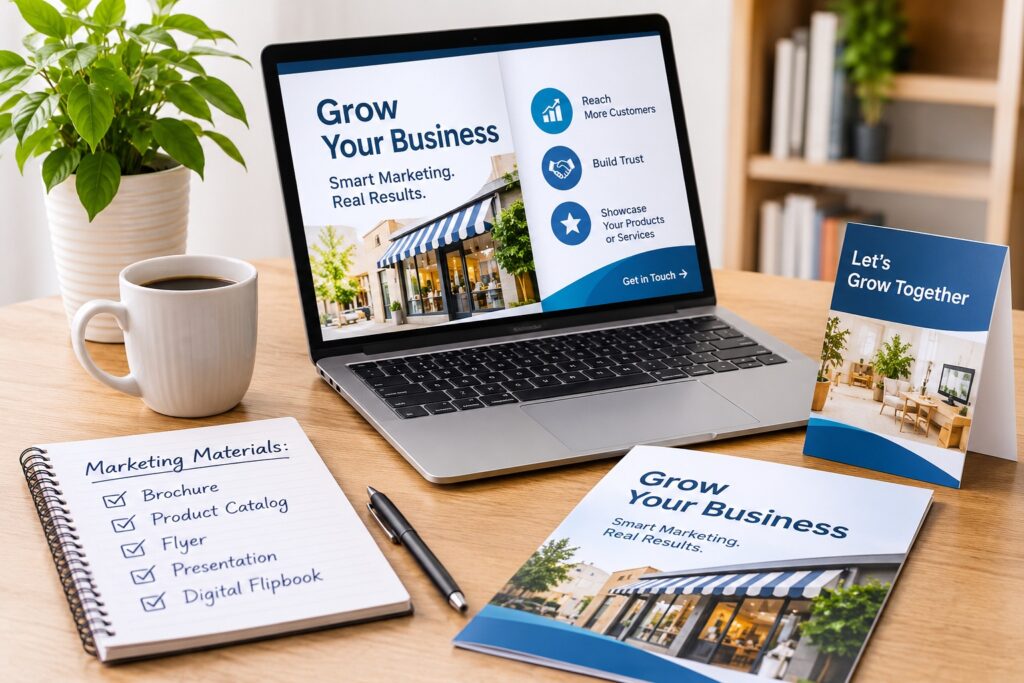
Marketing can be expensive for a small business. Brochures, flyers, product catalogs, and other materials all take time and money to make. Printing costs can also add up, especially when you need to change prices, contact details, or product information.
Still, a small budget does not mean you have to settle for poor-quality materials. There are ways to make your business look professional without spending too much. The key is to choose the right formats, use affordable tools, and focus on what your customers need to know.
1. Use Digital Formats to Save Money
Each marketing format has a different purpose. A brochure gives people a quick overview of your business and its services. A product catalog helps shoppers compare items, view prices, and learn about product features. A flyer works well for short messages, such as a special offer, an event, or a new service. A presentation can help you explain a business idea or pitch your services to a client.
These materials do not always need to be printed. Digital versions are easier to update and share, and they do not come with printing costs.
You can also use a flipbook to present your products or services. If you want to try this format, learning how to create a flipbook can help you turn a PDF into a digital publication that readers can browse online. Flipbooks work well for product catalogs, company brochures, menus, and service guides.
Readers can open them on a phone, tablet, or computer. You can share a link on your website, send it by email, or post it on social media.
2. Choose the Materials Your Business Needs
Before you start designing, think about which materials will help your business. You do not need to create everything at once. Start with the items that your customers are most likely to use.
For example, a shop may need a product catalog to show its range of products and prices. A local service business may need a brochure to explain what it does and how customers can get in touch. A restaurant may need a menu so guests can check dishes and prices before they visit or order.
A flyer may be enough if you want to promote a one-time sale or announce an event. If you meet clients or partners, a short presentation can help you explain your offer and show why they should work with you.
Think about the questions people ask before they buy from you. Use those questions to decide what to include in each material. This will help you avoid spending time on content that your customers do not need.
3. Use Free and Low-Cost Design Tools
You do not need to hire a designer for every small project. Many online tools offer templates that you can use to make brochures, flyers, and presentations.
These tools are useful if you have little design experience. You can add your own text and photos, change the colors, and place your logo on the page. If you want to learn more about the basics, this guide to graphic design is a good place to start. Some tools also let you save your work as a PDF.
Before choosing a tool, check what its free plan includes. Some services charge for downloads, templates, or certain design features. It is worth comparing a few options before you pay for a subscription.
Try to use one or two tools for most of your work. This can save time and help you keep the same look across all your materials.
4. Keep the Design Simple
A good design does not need many colors, large images, or fancy fonts. It needs to be clear and easy to read.
Start with your brand colors and logo. Use the same fonts and colors across your brochures, catalogs, and other materials. This helps people recognize your business. Understanding color theory can also help you choose colors that work well together. .
Keep the text short and split it into sections. Use headings to help readers find the information they need. Choose clear photos that show your products or work. Avoid adding images just to fill space.
Also, make sure your contact details are easy to find. If you want readers to visit your website, call your business, or request a quote, tell them what to do next.
Before you share the final version, check it on both a computer and a phone. Some text and images may look different on a smaller screen.
5. Share Your Materials Where Customers Can Find Them
Once your materials are ready, you need to share them with the right people. Your website is a good place to start. Add brochures and service guides to pages where visitors can learn more about your business. Place product catalogs near your shop pages so customers can browse your offerings.
You can also share links through social media and email. For example, if you add new products to your store, send customers a link to the updated catalog. If you offer a new service, share a brochure that explains what it includes.
QR codes can help when you meet customers in person. You can add one to a business card, poster, or printed flyer. When someone scans it, they can open your digital material on their phone.
Check which channels bring the most visits and enquiries. This will help you decide where to focus your time.
Conclusion
You do not need a large budget to make good marketing materials. Start with what your customers need, choose the right format for each task, and use tools that fit your budget. Digital formats can also help you avoid printing costs and make your materials easier to share. Review your content from time to time and update it when your business changes.