
A client call ends, and the only record of it is whatever you managed to scribble down while also talking, listening, and sharing your screen....
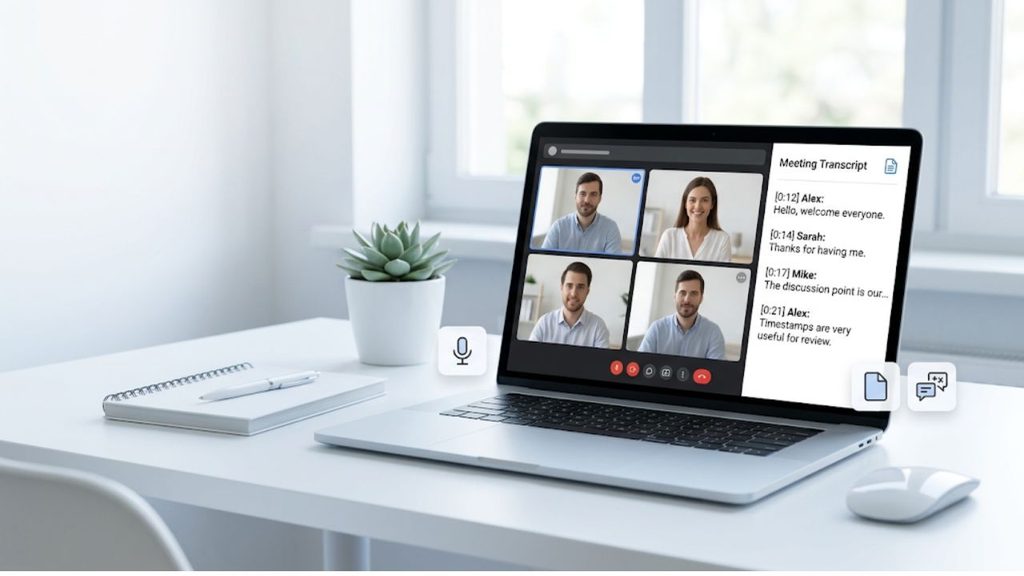
A client call ends, and the only record of it is whatever you managed to scribble down while also talking, listening, and sharing your screen. For freelancers, consultants, and small agencies, that’s a familiar problem.
Google Meet calls carry the details that end up in invoices, project scopes, and follow-up emails, and typing fast enough to catch all of them while also running the meeting isn’t realistic.
There are a few ways to do that, and they differ mainly in how much setup they need and how well the result fits into the rest of your business, rather than in how accurate the transcript itself turns out to be.
Taking notes by hand
The simplest option is also the one most people already use: open a notes app, type while you listen, and clean it up afterward. It costs nothing and needs no setup, but it comes at the cost of your attention during the call, and anything said quickly, or by more than one person at once, tends to get lost.
A transcript built this way is also hard to search later, since it’s your paraphrase of what happened rather than the words that were said. A client who disputes what was agreed on has no transcript to point to, only your notes.
Using Google Meet’s built-in transcripts
Google Meet can produce a more complete record on its own. On a Google Workspace plan that includes Gemini, the meeting host can turn on automatic notes before or during the call, and Meet will generate a summary along with a transcript of what was said.
It’s a step up from typing by hand: nobody has to split their attention, and the transcript captures the actual wording rather than a summary of it.
It only covers calls hosted on that Workspace account, though, and needs to be switched on each time. It also hands you a transcript and a document sitting inside Google Meet and Drive rather than inside whatever system you use to run client records.
Using a notetaker app
A paid notetaker app closes some of that gap. These join the call as a visible participant, record the audio, and deliver a transcript, a summary, and often a list of action items shortly after the meeting ends.
For a solo consultant or a small team, this is usually the most practical option on its own: no setup beyond creating an account, and a transcript you can search and share without digging through a notes app.
Most of them also label who said what, which is useful once more than two people are on the call. A transcript of a three-person intake call that doesn’t distinguish speakers is hard to act on later, since “the client wants a redesign by March” reads very differently depending on whether the client said it or someone on your own team did.
The transcript still lives inside the notetaker app’s own dashboard, though. Someone has to go get it and copy it into the system where client records actually live, whether that’s a CRM, a project folder, or an invoicing tool.
Getting transcripts through a recording API
A single transcript an assistant copies into a CRM once a week is a minor chore. Fifty transcripts a month, split across three people and two client-facing tools, is a standing job that someone eventually forgets to do.
For a business at that point, the straightforward alternative is to have a developer build or implement an API that gets transcripts from Google Meet meetings. The transcript then lands in your CRM, project files, or invoicing system automatically, the moment the call ends, instead of sitting inside a separate app waiting to be copied somewhere.
Recall.ai is an API for meeting recording that is used by thousands of companies that work with conversation data. It captures recordings, transcripts, and metadata from all major meeting platforms as well as in-person meetings, meaning businesses don’t have to build their own recording infrastructure for each platform their clients use. Recall.ai offers a startup rate of $0.25 per hour for the first 10,000 hours, with no minimum commitments or sign up fees.
A developer, whether someone on staff or a contractor brought in for a week, connects the API to whatever system already holds your client data. Once that connection exists, every call feeds it without anyone remembering to do anything, and a new client call ends up in the same record as the invoice and the project notes without a separate step.
Choosing the right approach
The choice between these routes comes down to how many calls you’re handling and what happens to the transcript once you have it. A handful of calls a month, typed up afterward or caught by Google Meet’s own notes feature, is fine as it is.
A steady stream of client conversations that need to land somewhere specific, searchable and attached to the right record without anyone copying and pasting, calls for connecting it properly.
For most small businesses that reach that point, it’s a short piece of engineering work handed to a developer once, rather than a new habit the whole team has to maintain.